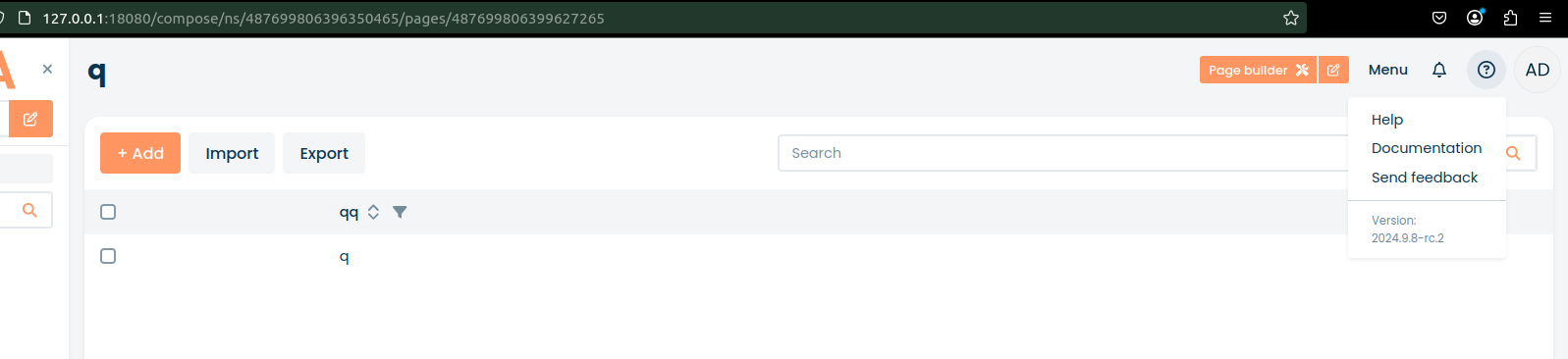
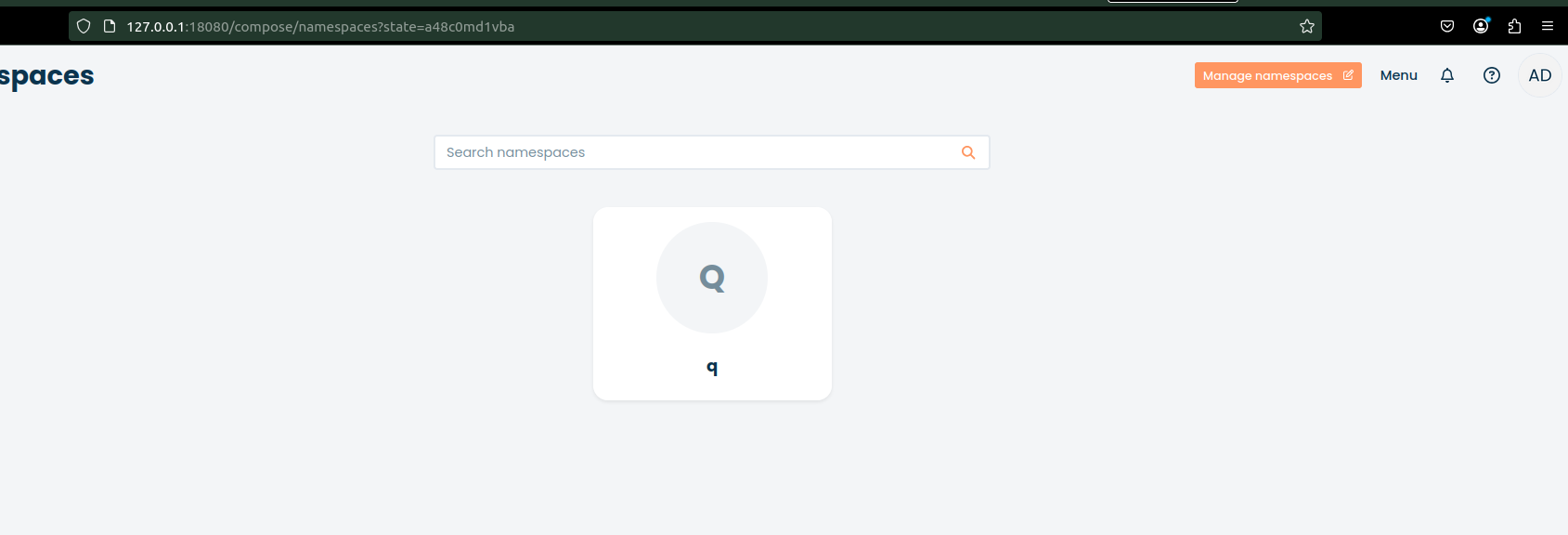
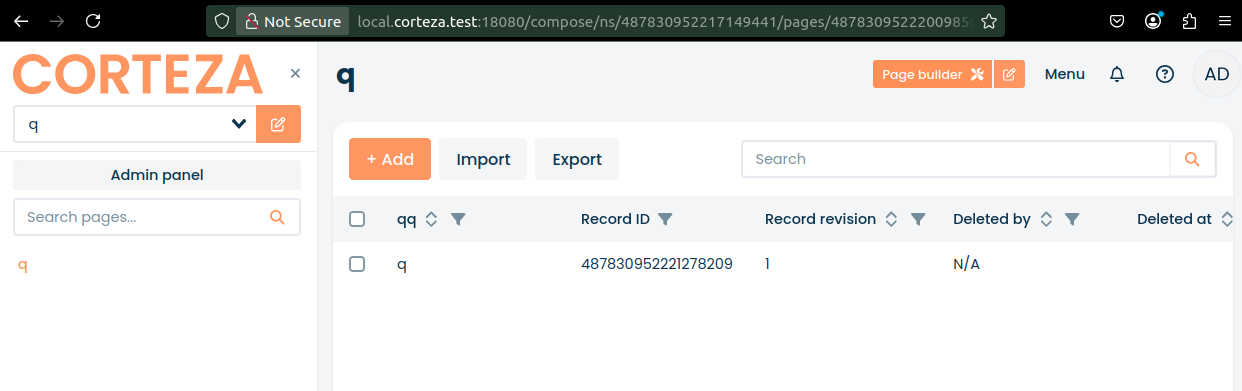
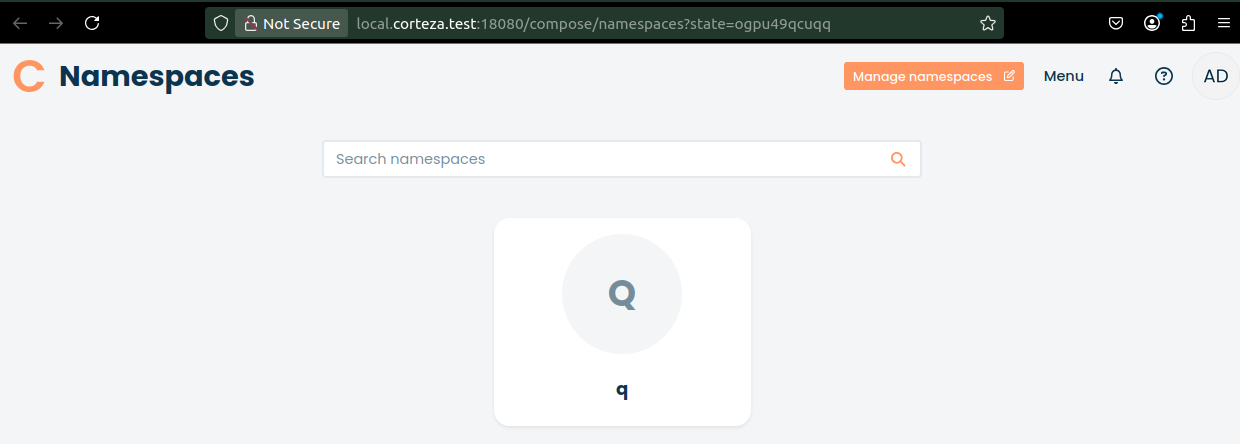
How can I resolve the issue where clicking on record and opening it in a new tab does not display the record content, but instead redirects to the namespaces page?
For example, http://127.0.0.1:18080/compose/namespaces?state=9b7usohhpt5.
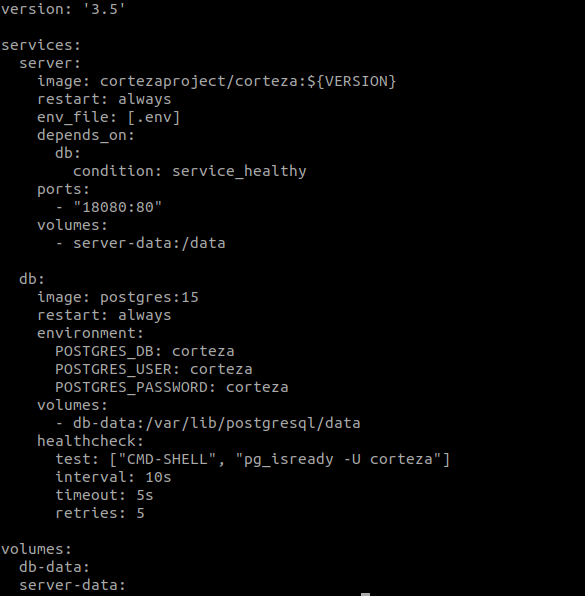
version: '3.5'

services:
  server:
    image: cortezaproject/corteza:${VERSION}
    restart: always
    env_file: [ .env ]
    depends_on: [ db ]
    ports: [ "127.0.0.1:18080:80" ]

  db:
    image: percona:8.0
    command: --sort_buffer_size=512K
    restart: always
    environment:
      MYSQL_DATABASE: dbname
      MYSQL_USER:     dbuser
      MYSQL_PASSWORD: dbpass
      # get the random generated password by running: docker-compose logs db | grep "GENERATED ROOT PASSWORD"
      MYSQL_RANDOM_ROOT_PASSWORD: random
    healthcheck: { test: ["CMD", "mysqladmin" ,"ping", "-h", "localhost"], timeout: 20s, retries: 10 }
########################################################################################################################
# docker-compose supports environment variable interpolation/substitution in compose configuration file
# (more info: https://docs.docker.com/compose/environment-variables)

########################################################################################################################
# General settings
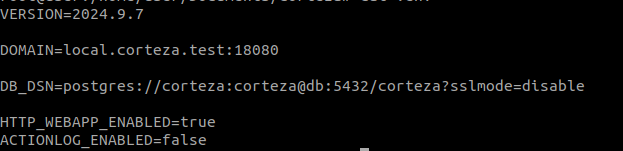
DOMAIN=127.0.0.1:18080
VERSION=2024.9.7

########################################################################################################################
# Database connection
DB_DSN=dbuser:dbpass@tcp(db:3306)/dbname?collation=utf8mb4_general_ci

########################################################################################################################
# Server settings

# Running all-in-one and serving web applications directly from server container
HTTP_WEBAPP_ENABLED=true

# Disabled, we do not need detailed persistent logging of actions in local env
ACTIONLOG_ENABLED=false

########################################################################################################################
# SMTP (mail sending) settings

# Point this to your local or external SMTP server if you want to send emails.
# In most cases, Corteza can detect that SMTP is disabled and skips over sending emails without an error
#SMTP_HOST=smtp-server.example.tld:587
#SMTP_USER=postmaster@smtp-server.example.tld
#SMTP_PASS=this-is-your-smtp-password
#SMTP_FROM='"Demo" <info@your-demo.example.tld>'
Can you try the 2024.9.8-rc.2 version, there were some changes that might have fixed this.
Release candidates are unstable, though, so test this on a staging server with backups.